8.2.1.OpenLink Web Download Wizard Interaction for obtaining OpenLink Drivers for JDBC Bundle
-
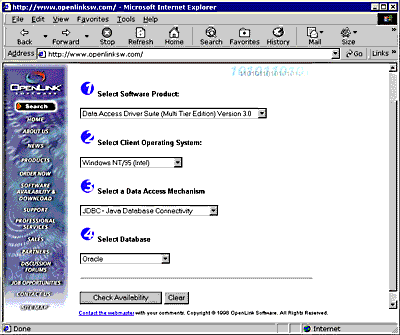
Select a Client Operating System from the "Select Client Operating System" listbox and then select a database engine that you will be connecting to via your Driver for JDBC using the "Select Database" listbox.
Figure8.1.Client OS
-
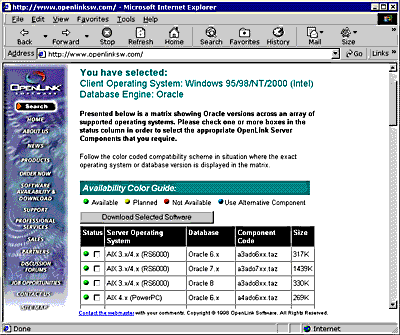
Pick one or more server components matching the server operating system that will host the OpenLink Server components required by the Drivers for JDBC. Then click on the "Download Selected Software" button.
Figure8.2.Client OS
-
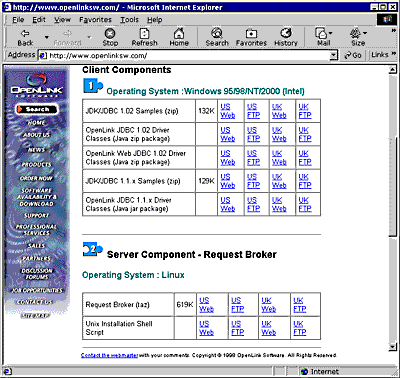
Download all the software components presented in the "Software Download" page.
Figure8.3.Software Download